
With stock images, the biggest challenge you face is finding the right one.
Think about what the image should contain
Consider the subject matter. Should the image contain people, objects, landscapes, abstract shapes, bold colours, words or maybe a combination of these? If you need inspiration, start by making a list of all the main keywords from your content and doing an image search with Google Image Search or Creative Commons Search. Or search The Noun Project for icons which may trigger some unexpected thoughts. This will often throw up ideas about what you could choose (and equally what you should avoid).

Ask for feedback
Ask friends and work colleagues for ideas (e.g. what do they think of when you say some of your keywords?). You could also have a look at your competitor's websites to see what images they use (and perhaps avoid these and come up with something better?).

A picture speaks a thousand words
The subject should reflect the content in such a way that it almost acts as a summary. Sometimes even a metaphorical message can work well; you may know the phrase "a picture speaks a thousand words"... just don't be too clever or subtle, as the message can easily be missed. The most important thing to do is avoid stereotypical or clichéd imagery; it's a fine line that separates a tired cliché and a clever metaphor.
The power of colour
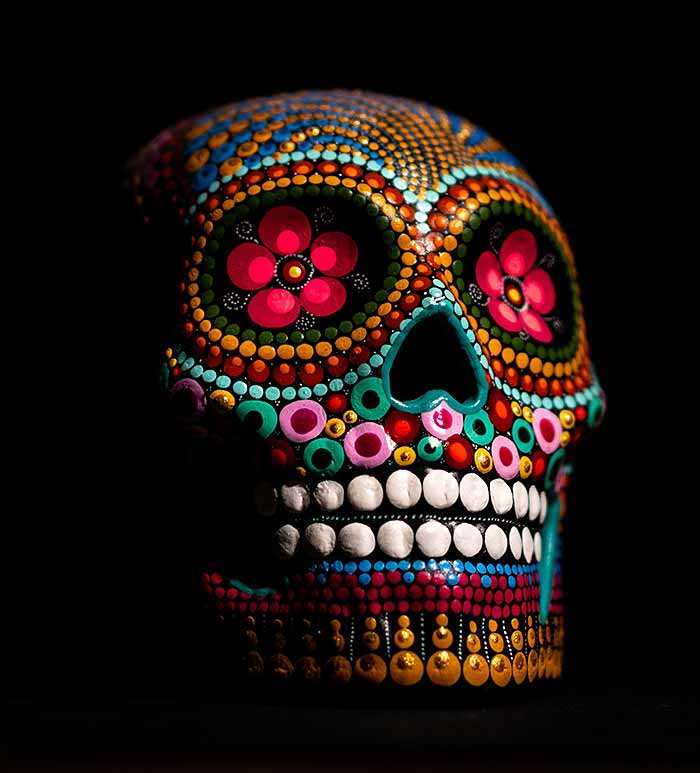
Think carefully about the colours in the image. Occasionally the subject may dictate the colours (e.g. an article on “environmental issues” may demand a green image) but if you can find an image with colours that work in harmony with your site design, you'll find this will give visitors a much better first impression. In other words, using a garish image or colours that jar with your design is best avoided.
Where to look for stock images
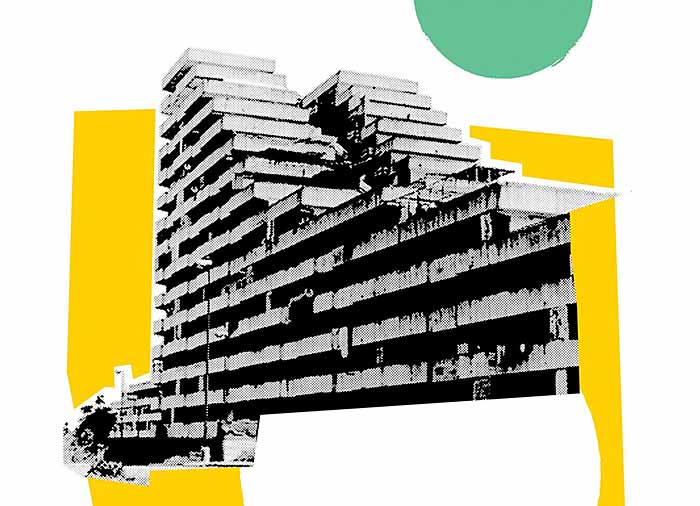
There's many stock image vendors out there, some free, some pay-per-image, some subscription-based and some offer all these options. Here's a table listing some of the ones we use and recommend:
- Adobe Stock
- Artvee - public domain artwork
- Burst
- DesignersPics.com
- Flickr Creative Commons
- Flickr Stock Repository
- Getty Images
- New Old Stock
- Pexels
- Pixabay
- StockSnap.io
- Stocksy
- TinEye Labs - search by colour
- Unsplash
Test the image before downloading
When you think you've found a suitable image, download a low-resolution version to test with first. When it comes to paid-for images, you'll find that all decent vendors will let you download a water-marked copy before purchasing. This lets you experiment with it in the context of your new page before paying for it. With free stock images, you can usually download a high resolution version straight away.

If it's a low-res version it may be a bit smaller than you need but it should give you a good idea if it's the one to go for. If you have an image editing program, like Adobe Photoshop or The Gimp, you could enlarge or crop it to fit in with your site design. Your web designer may already have created a set of style guides for you to follow when adding images to your site, so check this as well.
Check the image license
Most stock images have an associated license, usually to protect the photographer's rights. Some images you will pay for once and are free to use (this is referred to as royalty-free), some will require an attribution credit while others may demand a royalty payment, usually dependent on how you use the image yourself. For most web projects, you should find royalty-free images are the norm. Just make sure you don't purchase an image without understanding the terms and conditions associated with it first.

Choose only what you need
Once you're happy with the image you can go ahead and download it. Stock images come in various dimensions and resolutions; the larger it is the more expensive it will be, so only buy the size and resolution you need. For example, there's no need to pay for 300 dpi resolution when you only need 72 dpi (72 dpi is perfect for the web while 300 dpi is better suited for print).

If you can't find the right image, get creative!
If you've worked out what you need but just can't find anything satisfactory, don't worry, there are more options, you just need to get creative!
Using an image editing program, you can join two stock images together to create a brand new composition. You could even add a filter to enhance the appearance. If you've got a digital camera (or are able to borrow one) then why not try taking your own photos? Or if money is not an issue why not commission a photographer to take to some snaps for you?
Last updated: 13 Jun 2021
